![Symbol-Deep Green.png]](https://support.ethiack.com/hs-fs/hubfs/Symbol-Deep%20Green.png?height=40&name=Symbol-Deep%20Green.png)
Access our Portal here.
Signing up
The first page you will have the following options:
-
Login, if you have already registered
-
Register, if this is your first time.
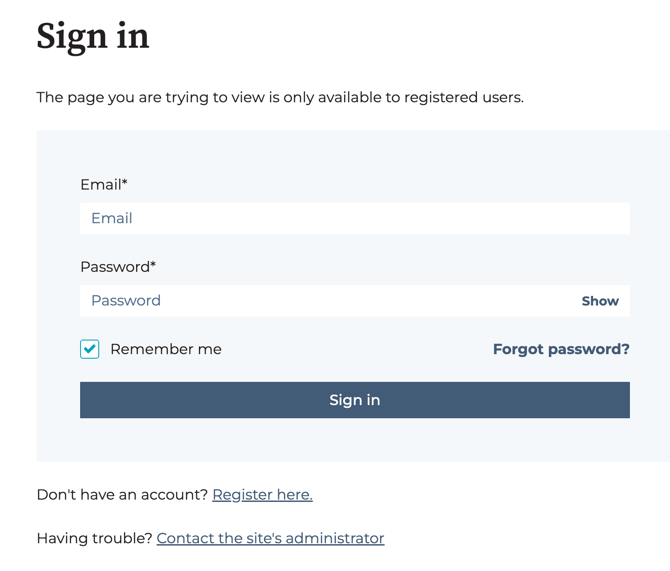
Registering
Click in the 'Register here' link.
Use the same email you used to access the platform and you need to set up a password. You must accept the terms of use to proceed.
An email will be sent to your inbox to confirm the sign up.
Tickets
Once you're logged in, the first page will show you all tickets opened by your account. You will see the subject, who initiated the request, last activity on the ticket and current status.
You have the option to search through key words or filter by status. There is also na option to export this information to a .csv file.
Submit a Ticket
Click the option 'Submit a Ticket' and fill the form accordingly.
Here are some best practices when opening a ticket with support:
- Add a step by step guide of how you reproduce the issue.
- Good description of the unexpected outcome you are seeing and what it was expected.
- Gather video recordings/screenshots of any errors, warning messages.
- If there is urgency associated with the request, please add that information so we can prioritize accordingly.
Click 'Submit' to create the ticket. You will receive an email confirmation.
Once created, the new ticket will show in the initial page with the status 'Open'.

Note: You will not be able to attach files when creating the ticket. You will enter the ticket after created and add it there. There's a 50MB size limit.
Ticket Detail
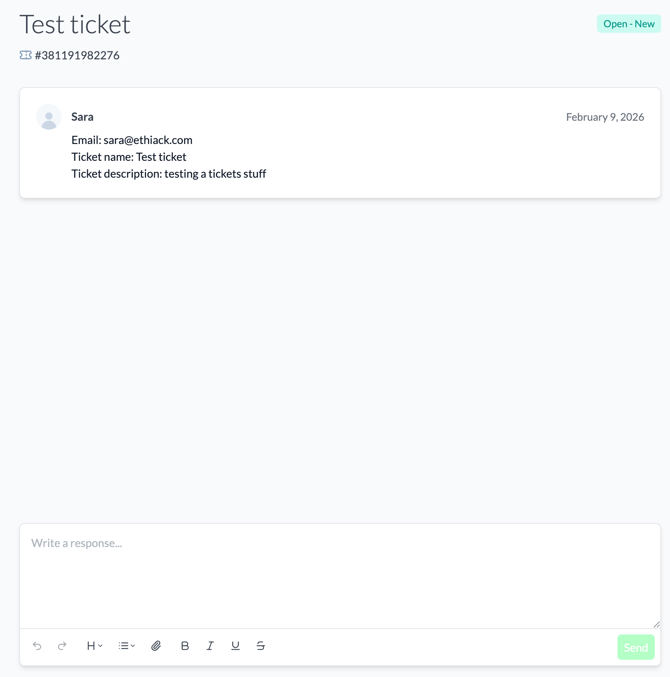
When you open a ticket you will see details about the ID, date, requester, ticket title and description.
Ticket Reply
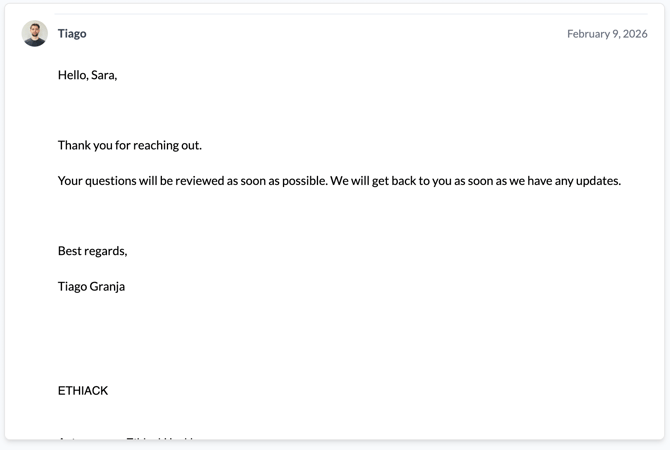
When Supports answers your ticket you will receive an email notifying you.
You can see the reply in the Portal directly:
FAQs
- Can I still use support@ethiack.com to open ticket? You can, and you will see the ticket listed in the Portal.
- Can I reply to a support ticket directly from the email notification? Yes, it will also be added to the Portal.